KCKindCue Circuit

A planning aid, not a performance tracker

Move around the circuit at the dog’s pace.

Every screen is intentionally small: a fixed prompt, a visible choice, and an easy route back to rest. There are no levels, streaks, leaderboards, public comparisons, or pass/fail labels.

A

Begin at the Start Gate

Check practical conditions first: space, surface, water, equipment comfort, the dog’s available attention, and how you would leave calmly. The app does not know your dog or surroundings; you decide whether practice is appropriate.
B

Build one Cue Loop

Arrange a fixed five-part loop: prepare, ask, mark, reward, release. The app does not offer a correction sequence. A reward-led loop remains an educational model, not a promise of a particular result.

C

Use the Three-Dial Field

Distance, duration, and distraction are planning levers. Raising one lowers the suggested load of the others. The controls do not measure a dog, store a score, or determine fitness, readiness, or ability.

D

Visit Signal Lantern and Quiet Patch

Use the visible observation cards as a reminder to pause. When the picture is uncertain, make the next step easier, create space, or finish. For urgent safety or health concerns, use real-world help rather than the app.

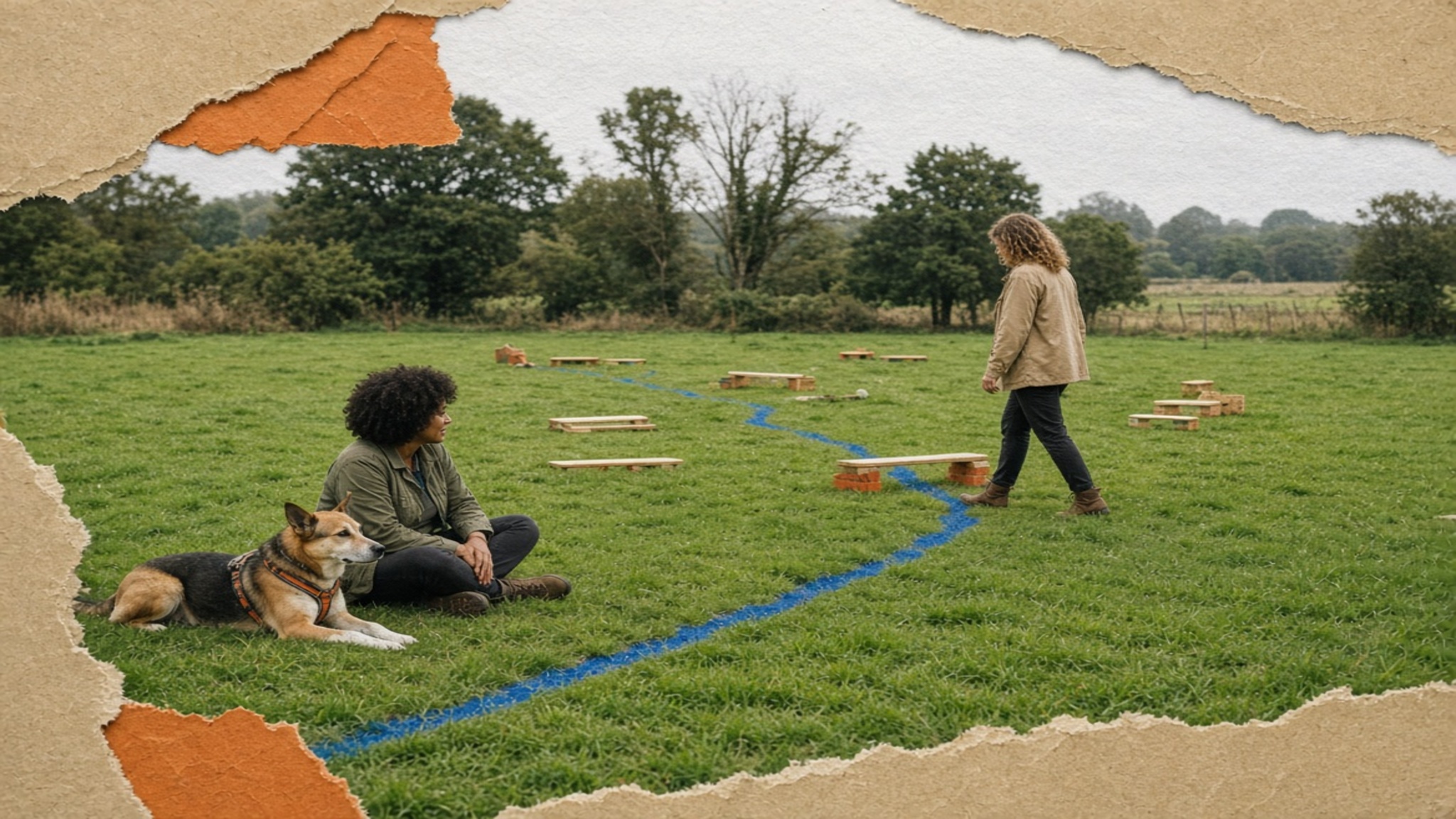
Adult walking an empty, low-impact practice route while a dog rests nearby

Controlled contexts only

Use the route tools as a thinking surface.

Recall, leadline and agility-style route screens are planning illustrations. They do not make an area secure, establish a dog’s recall, assess physical capacity, recommend obstacle height, or replace a responsible instructor’s judgement.

Safety boundaries

What is stored locally

Only fixed, anonymous local selections: the current station, the five cue tiles, three planning-dial positions, viewed route cards, and one fixed reflection choice. No name, dog profile, breed, age, health information, photo, location, contact, free-text note, payment detail or identifier is requested.

Full privacy policy